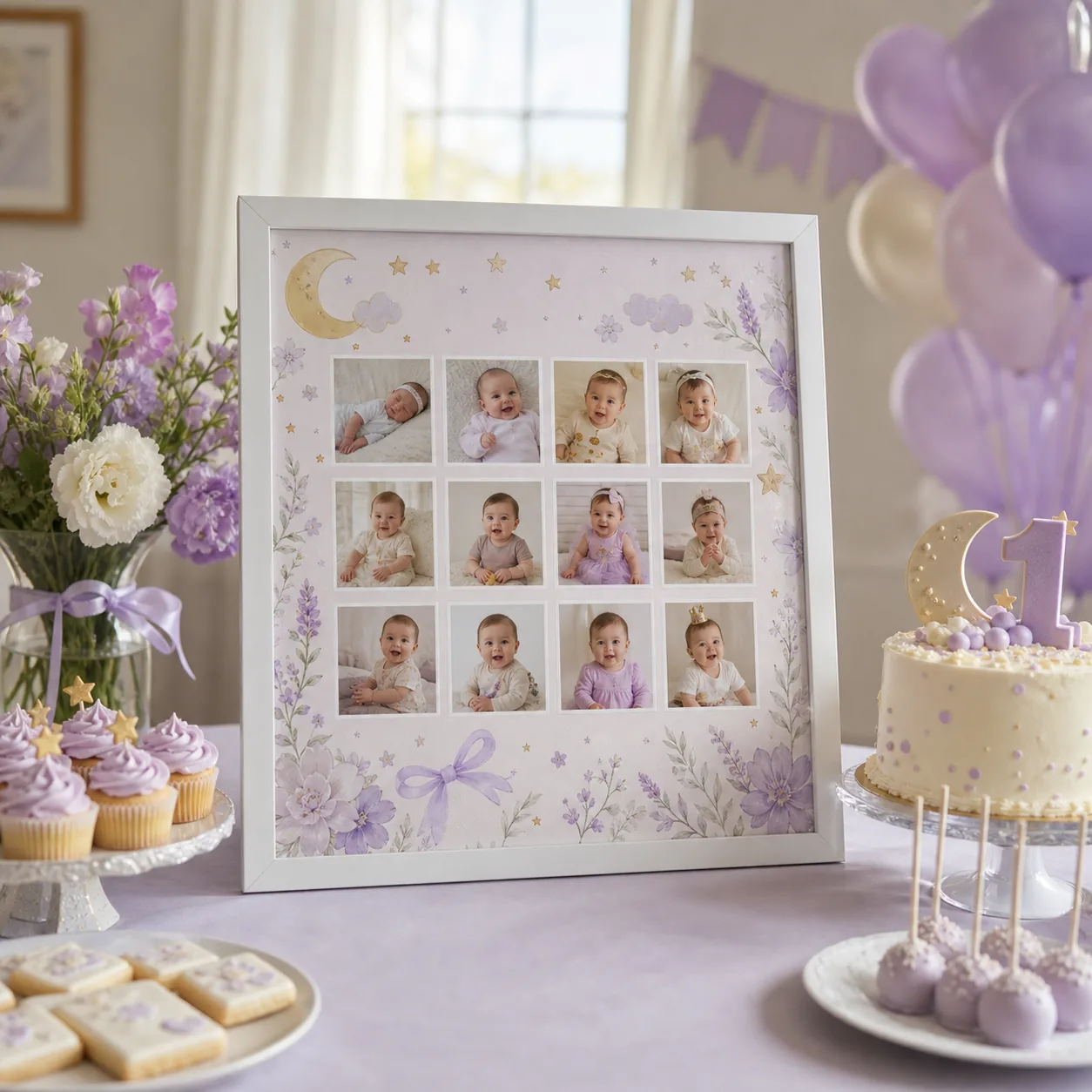
Turn favorite photos into a welcome sign, party backdrop, framed keepsake, or family post. Start with a ready-made layout, add the name and birthday message, then arrange each photo in the browser. The editor is designed for real family pictures, so you can make something meaningful without learning professional design software.
A birthday poster is a personalized photo design that combines a name, birthday message, and selected memories for printing or digital sharing. Choose the final use first, then match the layout to the number of photos.
01
Start with the occasion
Choose the photos and wording around where the design will be used.
A welcome sign needs a clear name and large portrait, while a keepsake can include more small moments and dates. Planning the final display first makes every later choice easier.
02
Use a layout that keeps faces readable
Photo count matters more than decoration.
Use a simple grid for a timeline, a featured portrait for a party sign, or a playful shape for a social post. Leave enough space around faces so printing and cropping do not remove important details.
03
Export once, use it in several places
A finished PNG can be printed for the party, placed in a frame, sent to relatives, or shared online.
Keep the original high-resolution export so you can create additional sizes without rebuilding the poster.
Common questions
What to know before you create
Can I make a birthday poster for free?
Yes. The standard templates and PNG export can be used free; optional Pro styles and higher-resolution exports are available separately.
Do I need design experience?
No. Choose a template, upload photos, edit the text, and reorder the images directly in your browser.
What can I put on a birthday poster?
Most designs use a name, age or date, one short message, and a focused selection of favorite photos.