
1. Select and organize the photos
Choose clear pictures with meaningful expressions and remove near-duplicates.
Put them in the order you want viewers to follow before uploading; chronological order works well for timelines.
Step-by-step birthday poster guide
You can create a polished birthday poster without starting from a blank canvas. Gather the pictures first, decide where the finished design will be displayed, and use a template that fits both the photo count and the output shape. The four-step workflow below keeps the design focused and reduces last-minute printing problems.
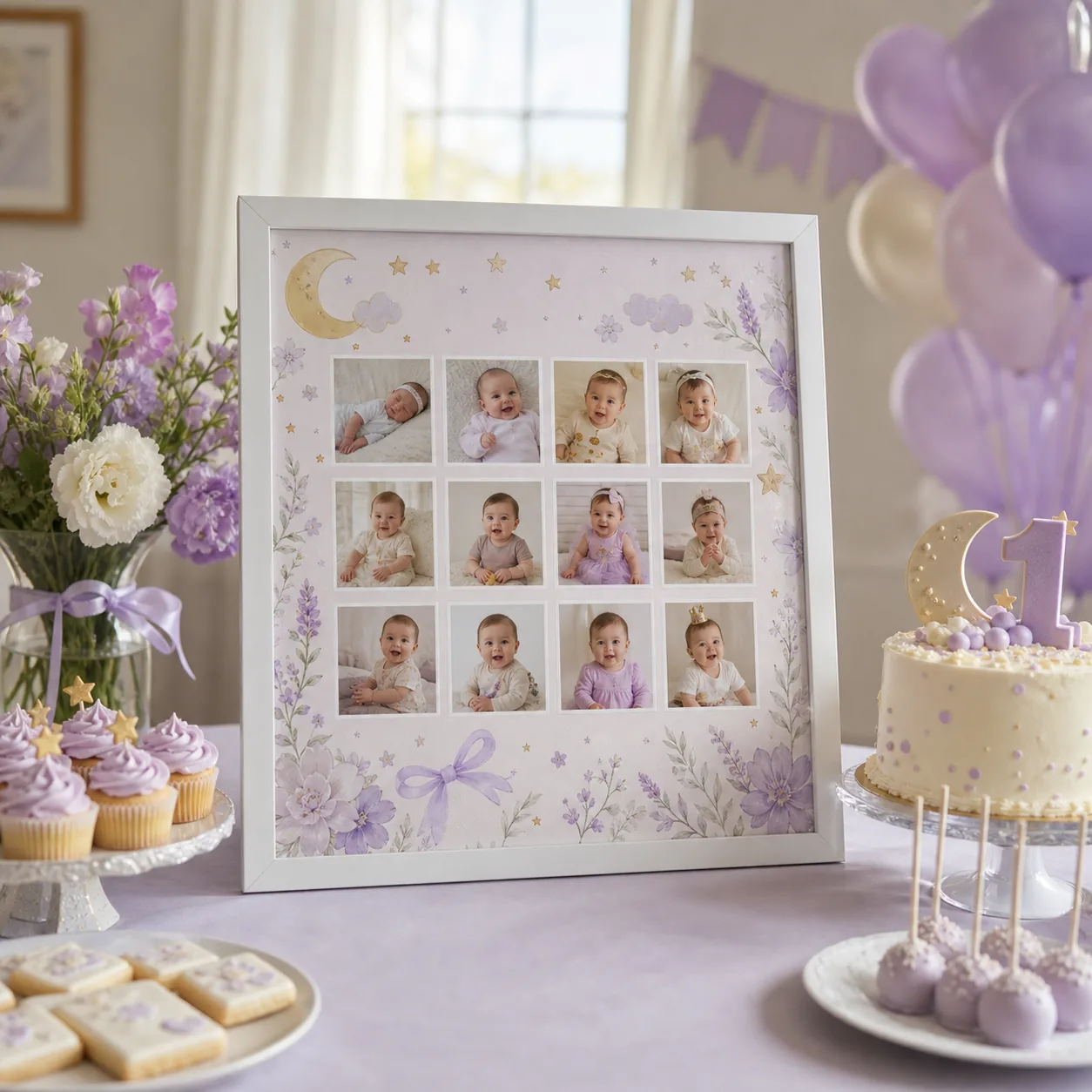
Quick answer
To make a birthday poster, select the strongest photos, choose a layout that fits them, add a short name-and-date message, and export at the size required for print or sharing. Preview every crop before downloading the final PNG.
Choose clear pictures with meaningful expressions and remove near-duplicates.
Put them in the order you want viewers to follow before uploading; chronological order works well for timelines.
Match the template to the number and shape of your photos.
Add only the essential wording: name, age or date, and one short birthday message that stays readable at the final size.
Check every face, edge, and label in the preview.
Export a PNG in the required orientation, open it at full size, and make one test print before ordering a large copy.
Common questions
Choose the size based on display distance: standard paper works for frames and tables, while a larger portrait layout suits an easel or entrance.
Yes. The browser editor works on modern phones, tablets, and desktop computers without an app download.
A high-resolution PNG is widely accepted for home and professional printing and preserves text and photo detail.
Sources and further reading
Official explanation of print dimensions, pixel resolution, and preparing images for high-quality output.
Official advice on displaying copies, limiting light exposure, and safely framing family photographs.
Resources for organizing, describing, and preserving personal and family memories in digital form.
Keep exploring
By: Makerming · Updated
Open the homepage editor, choose a template, upload the photos, and preview the result as you work.